
Running a Local LLM on Your iPhone
I explored how far mobile AI has come by running LLMs directly on my iPhone. No cloud, no upload. Here’s what I learned from testing Haplo AI.


The ability to run large language models (LLMs) locally on a mobile device is no longer just theoretical. I recently experimented with this on my iPhone, driven by a simple question: can I privately summarise my July 2024 diary without relying on cloud-based AI?
Why run a model locally?
Privacy and portability were my key motivations. While cloud-based models like ChatGPT offer impressive capabilities — memory, nuance, philosophical breadth — they also come with trade-offs. For sensitive or personal use cases, such as summarising a diary or analysing local notes, running a model locally can be both practical and secure.
 Rob Hoeijmakers
Testing Haplo AI
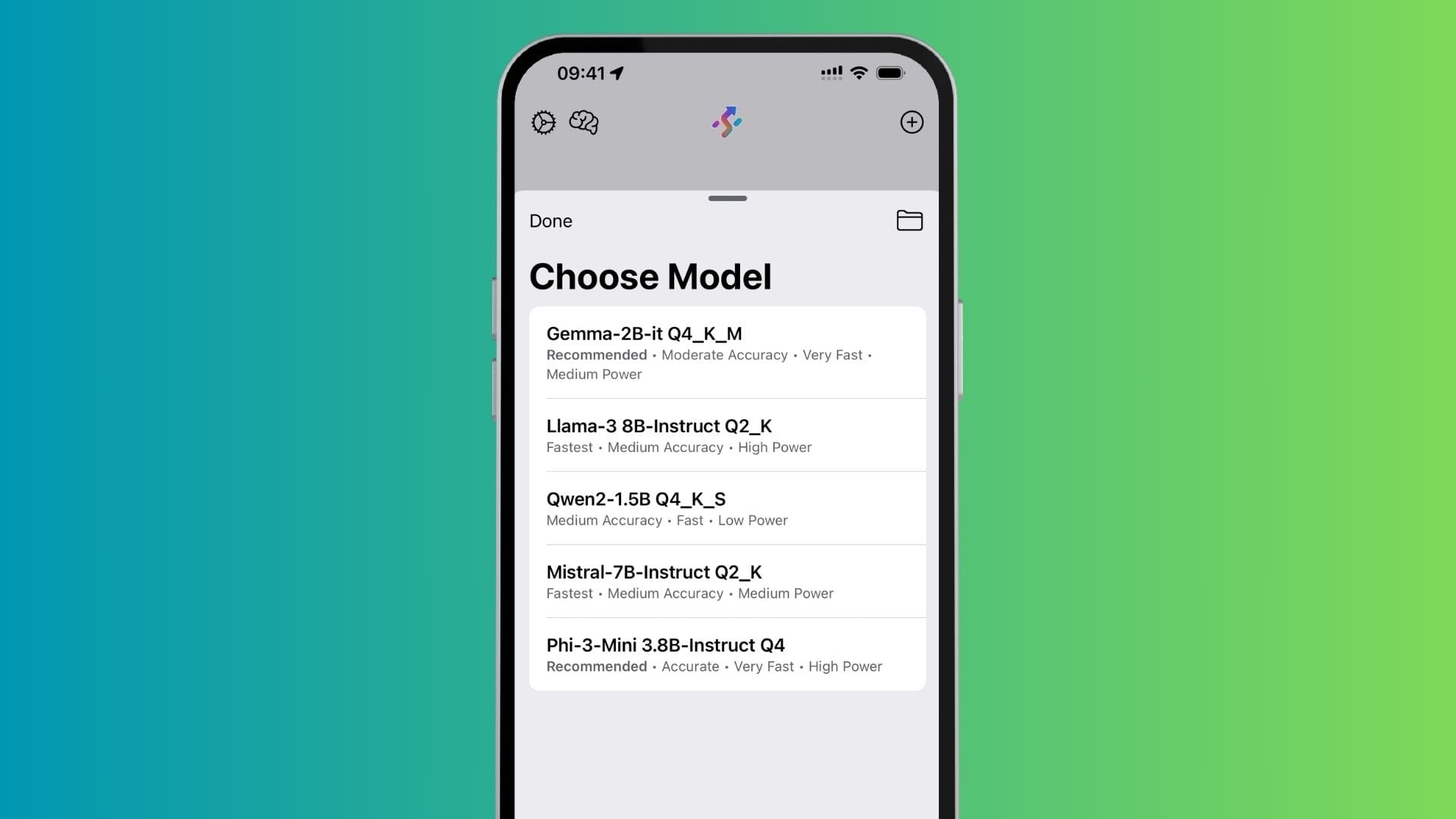
I started with an app called Haplo AI, which offers a curated selection of downloadable models, including:
- Gemma
- Qwen
- Mistral
- LLaMA
- Phi-3
I downloaded them all and began testing.
First use case: summarising a diary
My test case was a single file: a July 2024 diary summary exported as a 188 KB HTML-to-PDF file. Initially, I tried uploading the PDF directly, but it was too large or structurally too complex for the app to handle. Markdown wasn’t supported either.
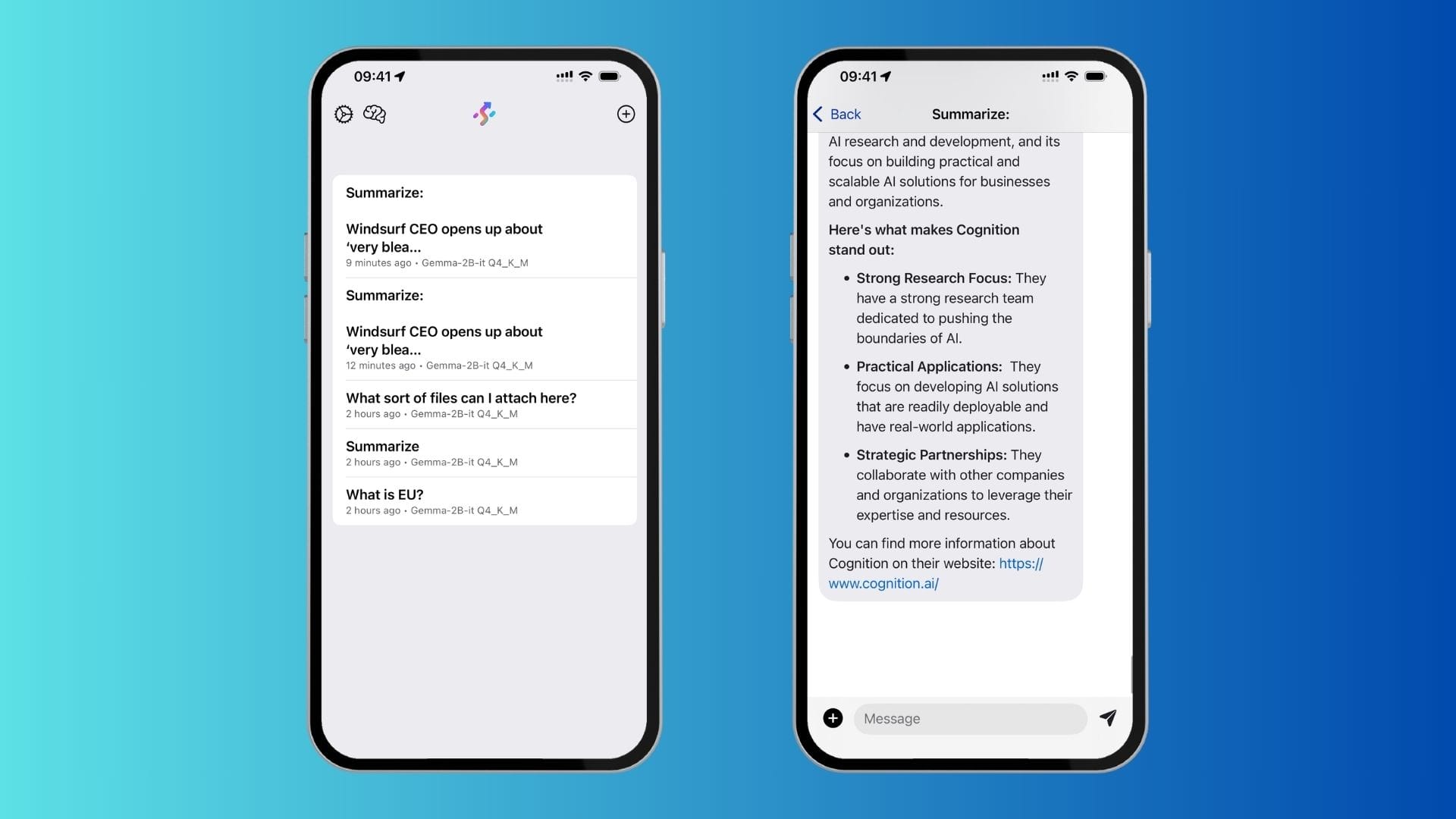
Eventually, I reduced the input to plain text via copy and paste, which proved more manageable — but even then, several models couldn’t handle the context window. Only Gemma and Qwen could process the input. And from those two, Gemma stood out by providing the only useful summary.
Observations and limitations
While it’s impressive that this works at all, there are limitations:
- No memory: Each session is context-bound.
- Smaller models: They lack the factual depth, coherence, and nuance of full-scale LLMs.
- Interface quirks: For instance, Markdown wasn’t accepted and larger texts require manual trimming.
Still, the ability to do this privately, offline, and entirely on a phone is remarkable. It opens up use cases where privacy matters — whether that’s handling journal entries, summarising confidential notes, or experimenting with local automation.
See it in action
I recorded a short demo to show how it works in practice — not as a comparison to GPT-4, but as a peek into what’s already possible on-device:
What’s next?
I’ll likely try other apps, such as Private LLM, and explore additional use cases that require more autonomy and discretion.
It’s early days, but even these modest experiments point to a future where lightweight, private AI models are part of everyday workflows.
 Rob Hoeijmakers
 Rob Hoeijmakers
 Rob Hoeijmakers