Connecting My Kobo Directly to an iPhone 16 Pro
I connected my Kobo e‑reader to my iPhone 16 Pro with a USB‑C cable. It worked instantly. No adapter, no fuss but just a quiet moment of satisfaction.

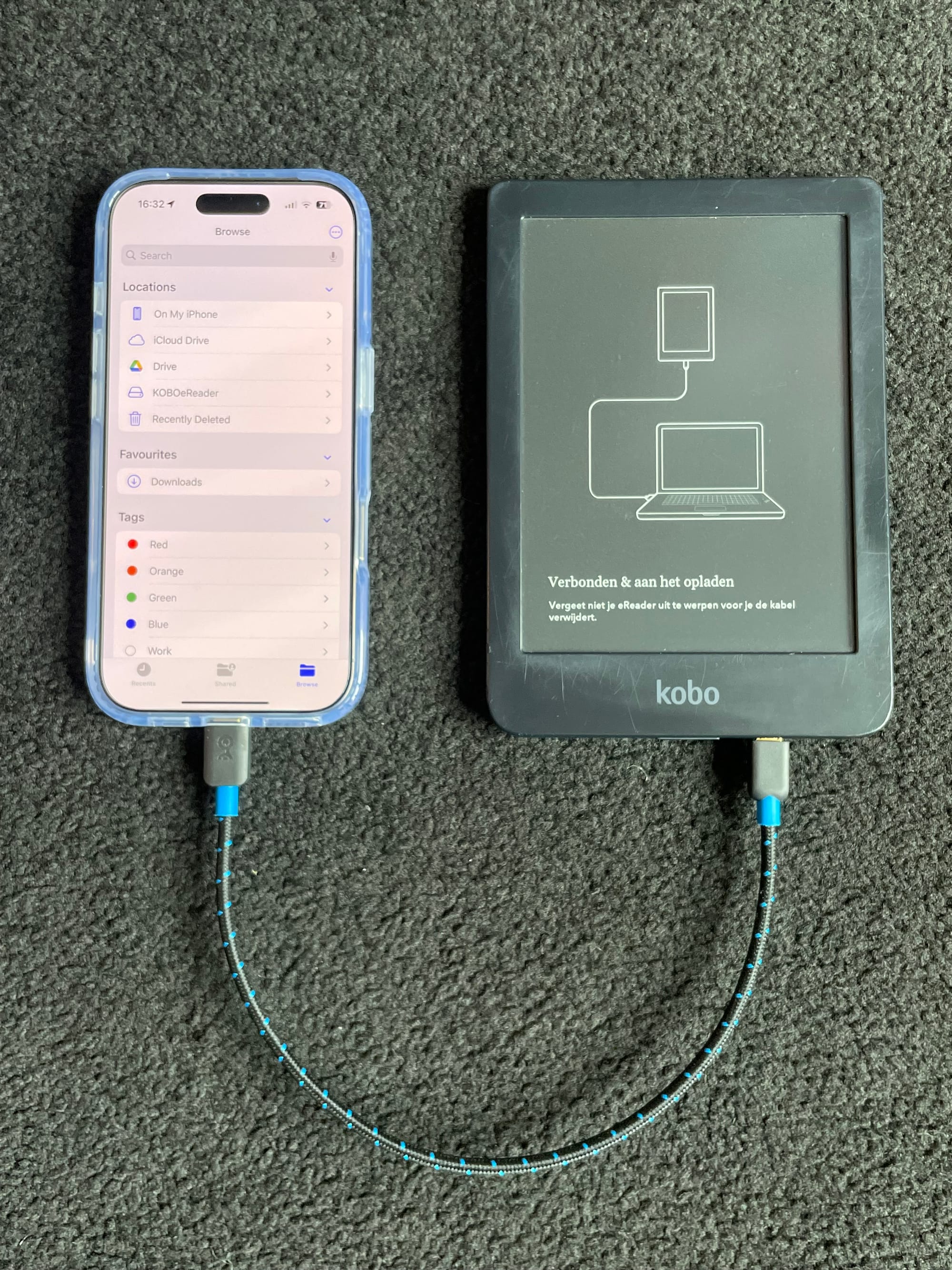
I recently discovered that I can plug my Kobo e-reader directly into my iPhone 16 Pro using a regular USB-C to USB-C cable, the same one I carry for charging.
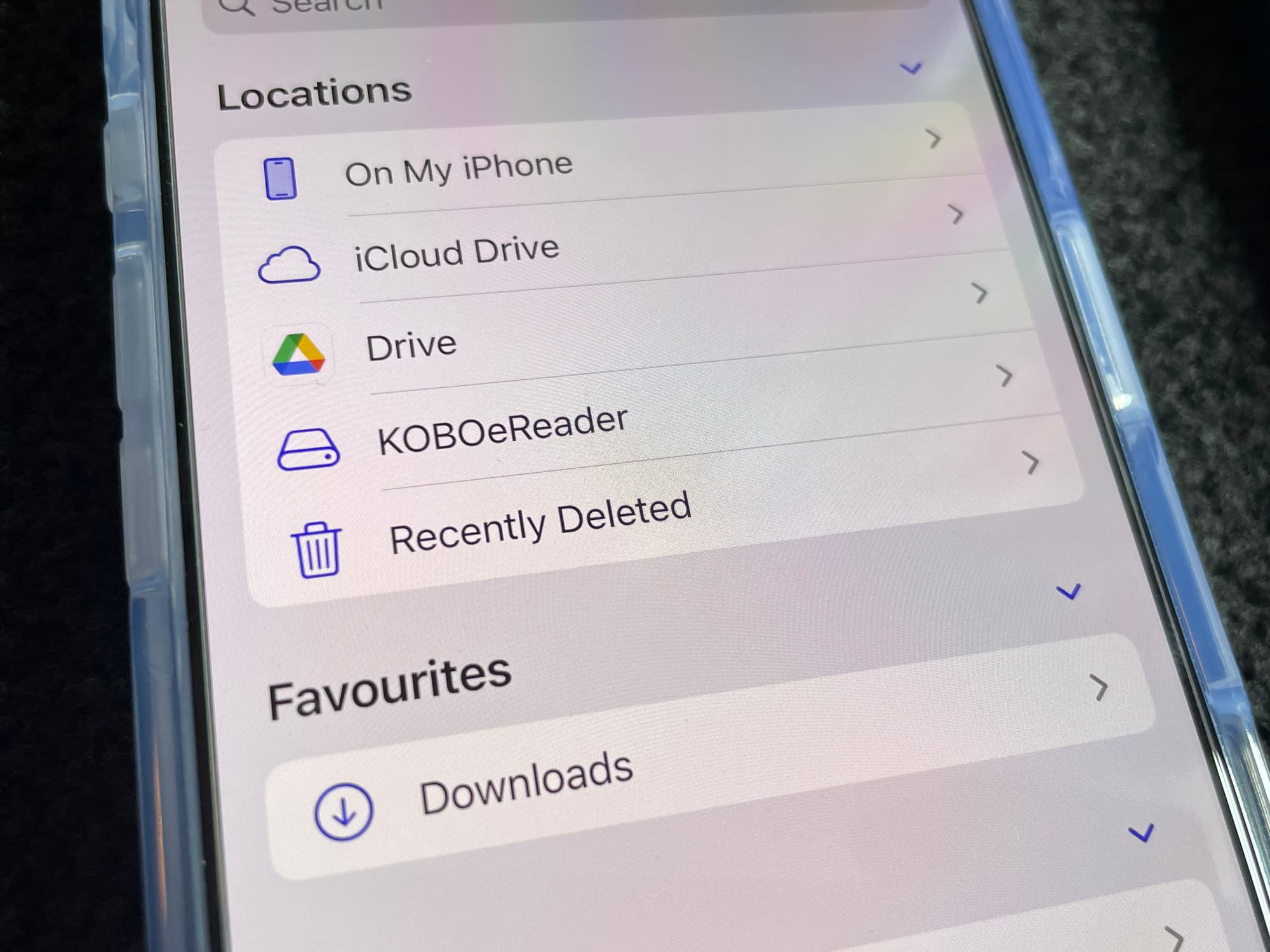
Once connected, the Kobo mounts as a storage device inside the Files app. That means I can transfer PDFs or e-books directly, without using a computer or going through Wi-Fi.
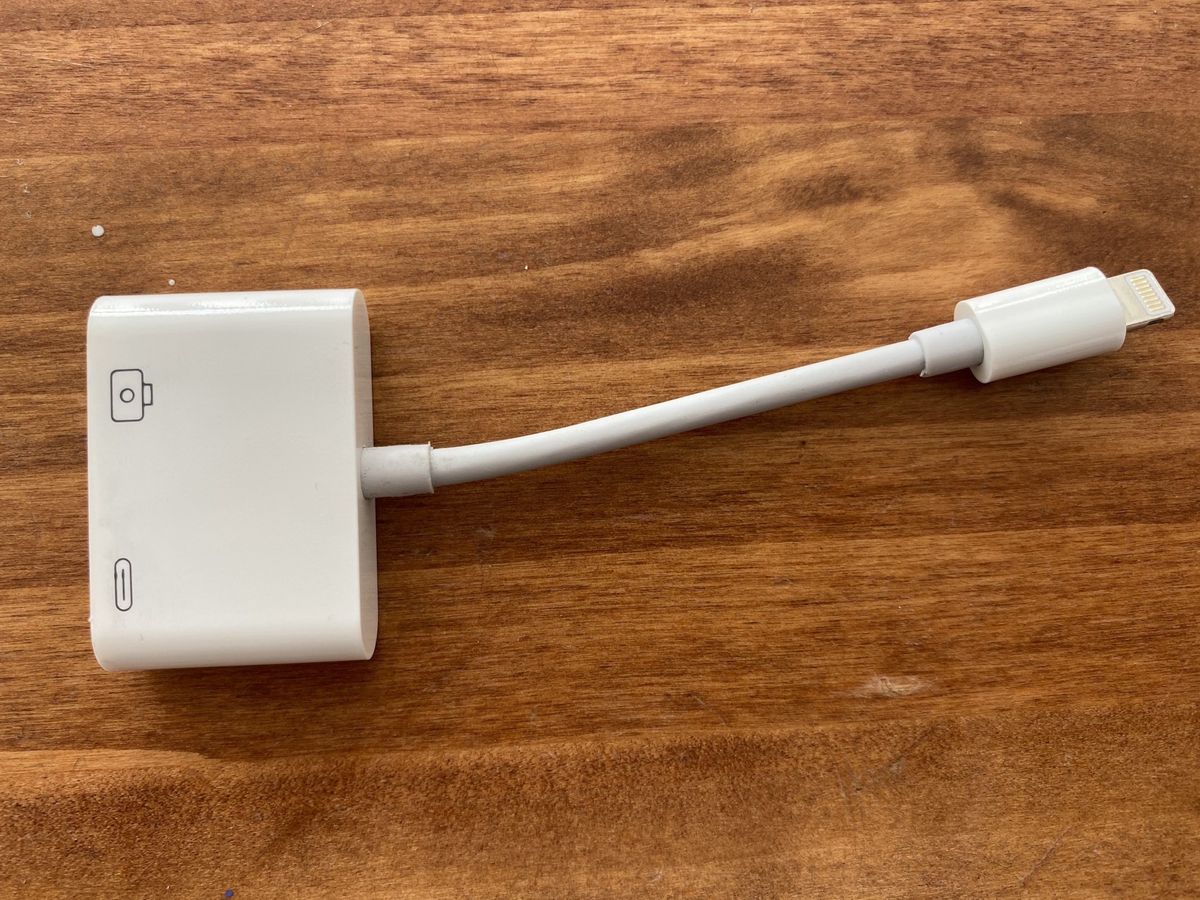
This wasn’t possible with earlier iPhones. In the past, I had to use Apple’s camera adapter and ensure the iPhone had enough charge, otherwise it would display a warning that the connected device required too much power.
The workaround worked, but it felt a bit precarious. Now, with the USB-C port on newer iPhones, it just works.
And that’s what I enjoy, when something turns out to be unexpectedly simple.
A Bit of Context on USB-C
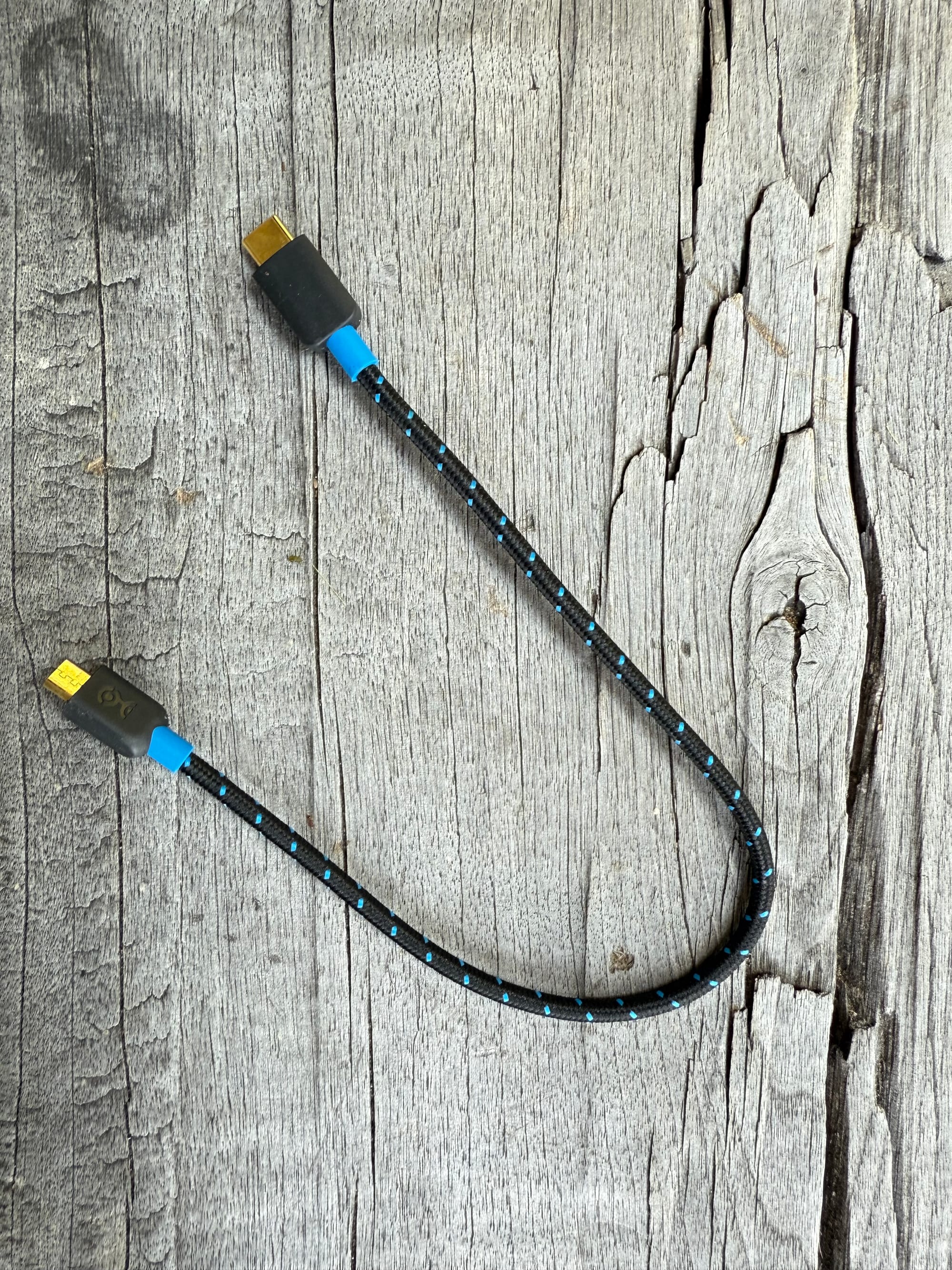
It’s worth noting that USB-C refers to the shape of the connector, not to what it can do. Some USB-C cables can transfer data or video, others only charge. Some support Thunderbolt or USB 3.2; others are limited to USB 2.0 speeds.
So, not every USB-C cable is equal. What matters is the combination of what the port supports and what the cable is capable of. In this case, I just happened to use a cable that allows both charging and data transfer, and that made all the difference.
 Rob Hoeijmakers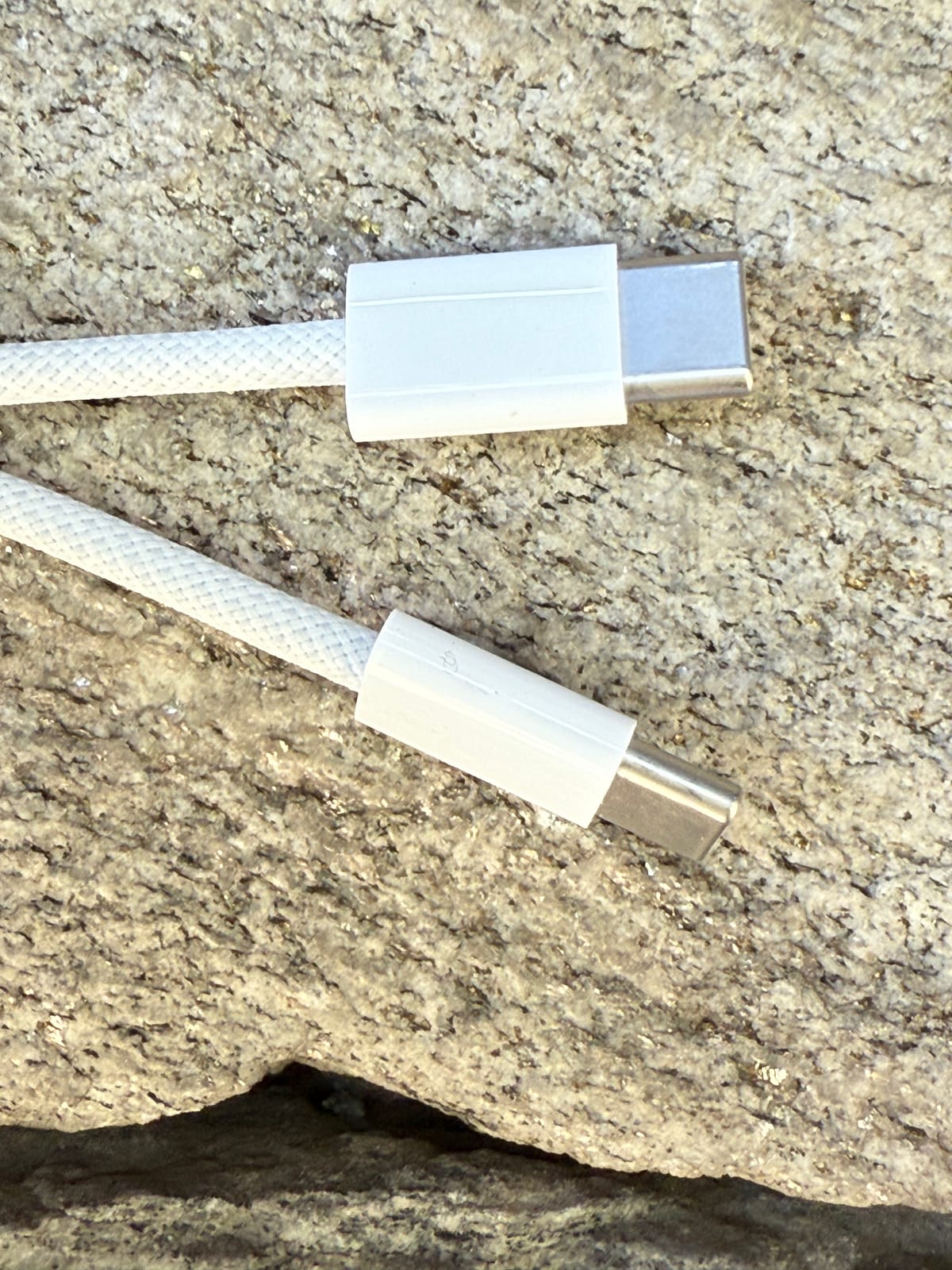
How I Use This Setup
When travelling, or when I don’t have my laptop, I often want to read long articles offline on my Kobo. Here’s how I do it:
- Open the article in Safari and clean it up (Reader View or a reading app helps).
- Use the print function, then save as PDF to the Files app.
- Connect the Kobo via USB-C.
- Drag the file over to the Kobo storage.
It’s straightforward and surprisingly robust.
No adapters, no cloud syncs, no Kobo software. Just file transfer, directly between two devices.
 Rob Hoeijmakers
 Rob Hoeijmakers