AI Fine-Tuning for Non-Engineers
Compact AI models make fine-tuning possible for non-engineers. I tried it myself and learned how AI becomes portable, local and real.


How I experimented with small models and learned a lot along the way.
I don’t have a background in engineering. My work is with content, language and communication. Still, I wanted to understand what “AI fine-tuning” means in practice. Not by reading theory, but by doing it myself.
It took some fiddling with details, but thanks to the new generation of smaller models, it was possible and very rewarding.
What is fine-tuning, really?
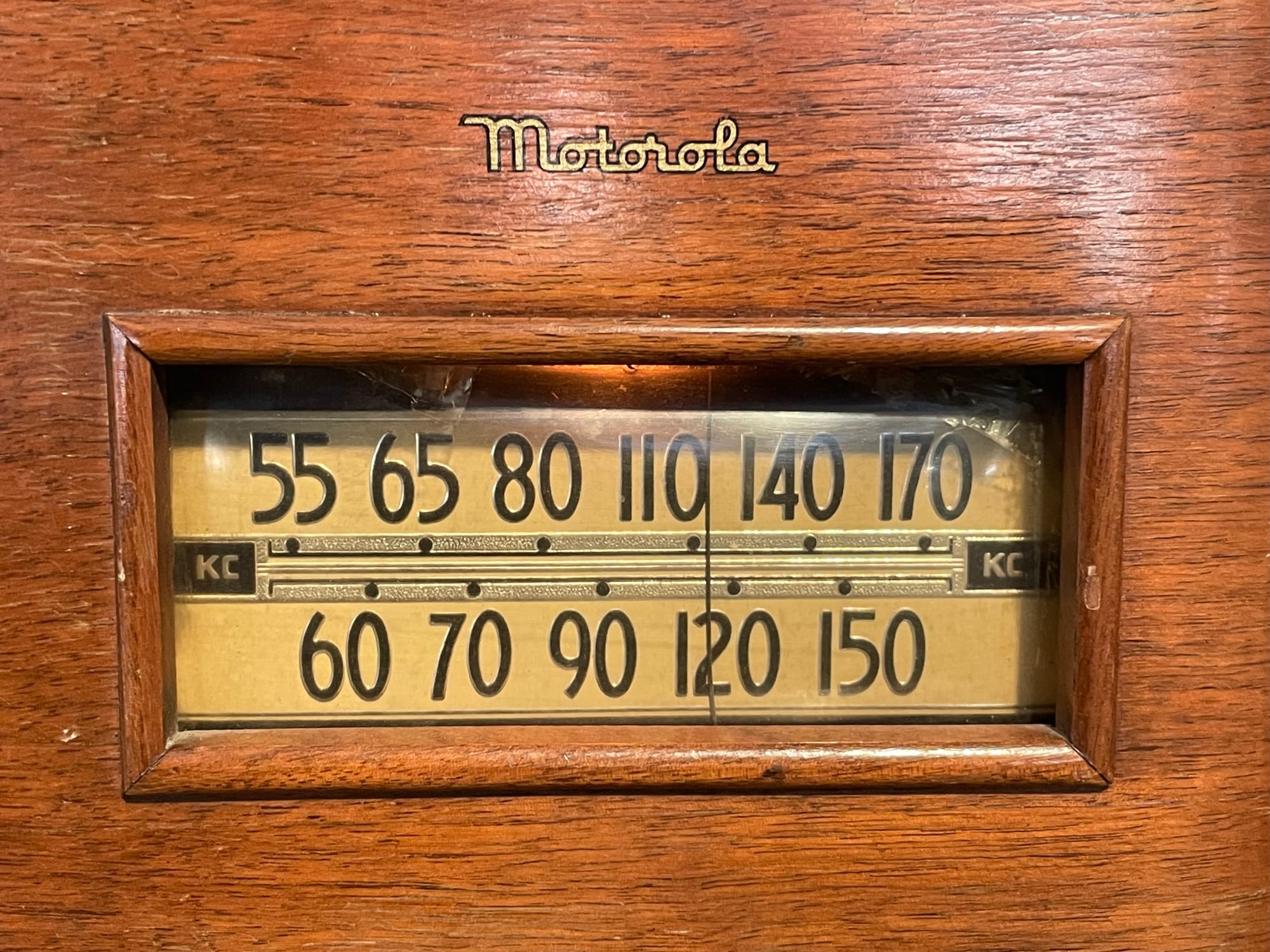
The term sounds technical, but the idea is familiar. Think of an old radio where you slowly turn the dial until the static clears and the station comes in. Or imagine a sound mixer with many knobs: you don’t rebuild the whole system, you adjust the balance so the music fits your taste.
Fine-tuning an AI model works in a similar way. You start with a base model that already “knows” a lot, and then you nudge it towards what matters for your context.
More emphasis here, less emphasis there, until it aligns better with your purpose.
Why smaller models matter
Large models are impressive, but they’re hard to run yourself. They need time, compute and technical expertise. Recently, though, compact models have arrived that you can work with on an ordinary computer.
I chose Gemma, a 270-million parameter model from Google. Small in AI terms, but powerful enough for meaningful experiments.
 Olivier Lacombe
My fine-tuning journey
With a method called LoRA (low-rank adaptation), I fine-tuned the model on my own dataset. Think of it as adding a lightweight custom layer without retraining the whole model from scratch.
At the end, you get a portable file that you can run locally, on your laptop or even on a mobile phone. That was already exciting: I wasn’t just reading about AI, I had my own adapted model in hand.
Making it smaller: quantisation
The next step was quantisation. Like compressing an image, you reduce precision to make the model lighter. Instead of storing numbers in 32 or 16 bits, you shrink them down to 4.
The result is a model that runs on much smaller devices. You lose a bit of accuracy, but you gain portability. For me, that was the real eye-opener: suddenly, AI wasn’t abstract anymore. It was something I could carry.
 Rob Hoeijmakers
What I learned
The biggest lesson wasn’t any single technique, but the way the steps connect. Starting with the base model, applying LoRA, quantising, and then running it locally: each piece only really makes sense once you try it.
Beyond the process, there’s a broader insight: AI is becoming more personal and portable. Models that once required massive infrastructure can now run privately, locally, and on the edge. That changes how we can all experiment with them, even if we’re not engineers.
Try it yourself
If you want to see the process in action, here is the original thread with the step-by-step instructions. It walks you through the setup on Google Colab so you can try fine-tuning a model yourself.
Check the guide by Paul Couvert here
 Rob Hoeijmakers
 Rob Hoeijmakers