
A lighter computer for a different era
A new iMac, a one-hour migration, fewer ports, more cloud and AI. Replacing a desktop computer now reveals how much the role of the machine itself has changed.

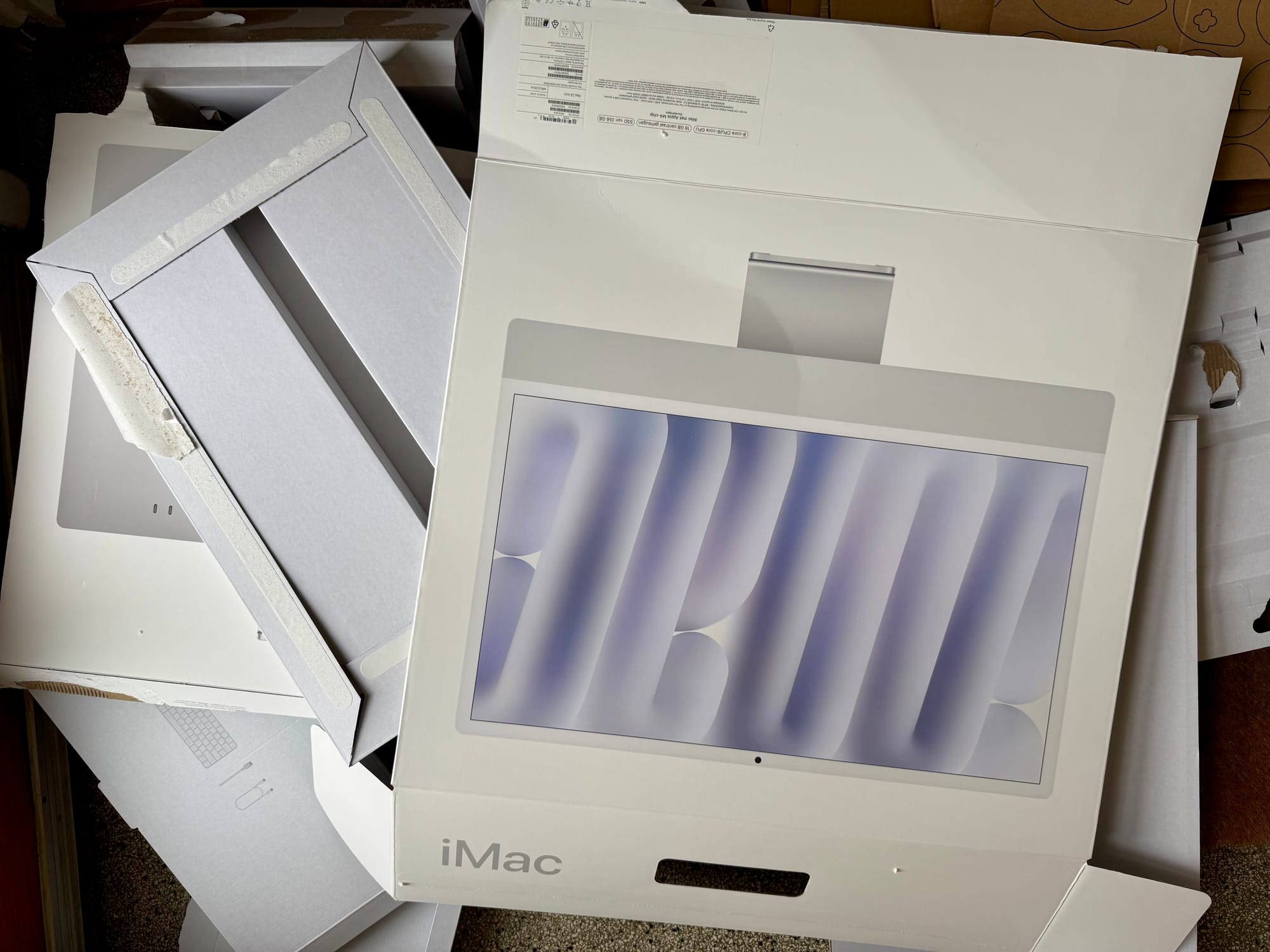
After many years with a large Intel iMac, we recently replaced it with the current 24-inch Apple Silicon model.
The change itself was technically straightforward. What surprised me was how clearly it illustrates a broader shift in computing. The computer on the desk has quietly become something different from what it was even five or seven years ago.
Quick takeaways
- The era of large, monumental desktop machines seems to be ending.
- Much of the real work now happens in cloud services and AI systems.
- Local computers are becoming lighter, replaceable instruments rather than long-term containers of data.
- Migration between machines can now take hours instead of days.
- Video communication has become a central capability, not an afterthought.
The end of the monumental desktop
The previous 27-inch Intel iMac was heavy, solid and almost architectural. It felt like a machine designed to last for a decade.
The new one feels entirely different. Thin, light and almost casual in comparison. The weight difference alone is striking.
This is not merely a design choice. It reflects a deeper shift in where computing power now lives. Much of the real capability no longer sits inside the machine itself.
The computer as an access point
In everyday work, many of the most important systems now live outside the device:
Increasingly, even more technical work happens through command-line tools that connect to external services.
The local computer becomes less of a container for software and data and more of an interface to a distributed computing environment.
Migration becomes reconfiguration
Another small but telling change is how easy it has become to move between machines.
With relatively little data stored locally and most files in cloud storage, the transition from the old iMac to the new one took roughly an hour. The setup was done manually to avoid carrying unnecessary files across.
A decade ago, replacing a main computer often meant days of migration, copying libraries, reinstalling software and reconstructing environments.
Today the process looks more like reconfiguring an instrument.
That also shortens the investment horizon. Instead of expecting a desktop to last seven years or more, the realistic lifecycle may now be closer to three or four.
The quiet transition to USB-C
Another visible change over the past years is the shift to USB-C as the universal connector.
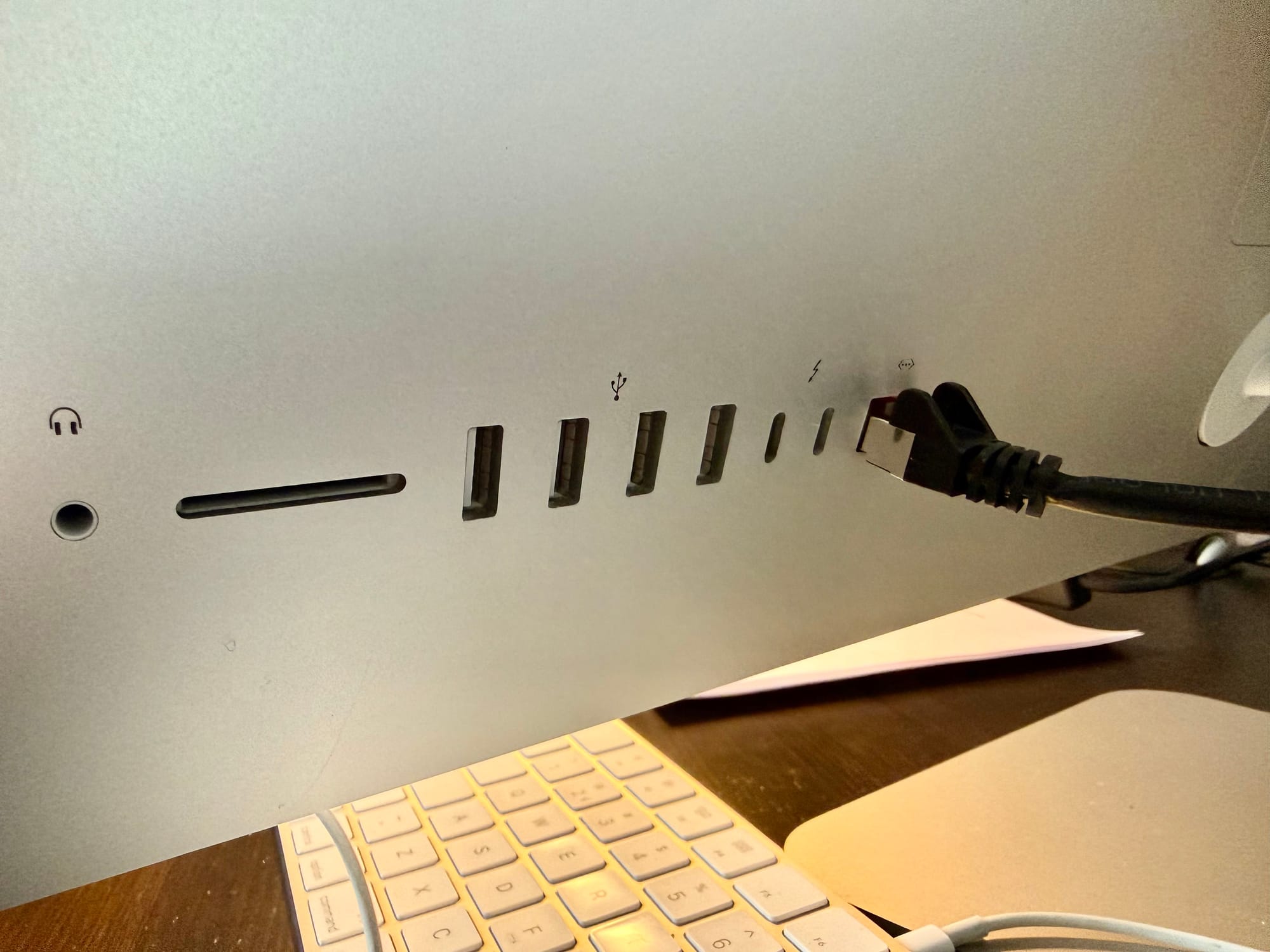
The older iMac had a row of different ports: USB-A, Thunderbolt, Ethernet and others. The new one essentially offers two USB-C ports and assumes that most expansion will happen through hubs or adapters.
In practice this turned out to work well. USB-C has become a genuinely versatile interface for displays, storage and peripherals.
The only small inconvenience was Ethernet. For a desktop machine, wired networking still feels natural, but even a standard presentation hub did not include LAN. That required ordering a separate USB-C Ethernet adapter.
Apart from that, the reduced number of ports rarely becomes an issue.
The screen question
One small complication did appear. Moving from a 27-inch screen to a 24-inch one means losing some working space.
In one of the setups the solution was simple: adding a second monitor next to the iMac. That makes the arrangement slightly less minimal than the classic all-in-one idea, but it restores the practical working area.
One screen can remain focused on the main task, while the other holds reference material, terminals, chats or documents. In practice it turns out to be a comfortable compromise between elegance and usability.
Communication as a first-class feature
One of the most noticeable improvements is the camera.
The previous iMac’s webcam was poor enough that an external camera had been installed. The new model includes a significantly better camera with automatic framing and much stronger image quality.
That improvement reflects another structural change: computers are now used continuously for video communication. Cameras are no longer peripheral components but central ones.
A lighter machine in a larger system
None of these changes are specific to Apple, although the iMac makes them particularly visible.
The physical computer on the desk is becoming thinner, quieter and easier to replace. At the same time, more of the actual computing environment lives elsewhere in networks, services and AI systems.
In that sense the machine itself is shrinking, even as the computing world around it continues to expand.
 Rob Hoeijmakers