
From Kobo to Twitter in 18 seconds
Quick iPhone Live Text workflow for quoting text on your e-reader and share to Twitter.

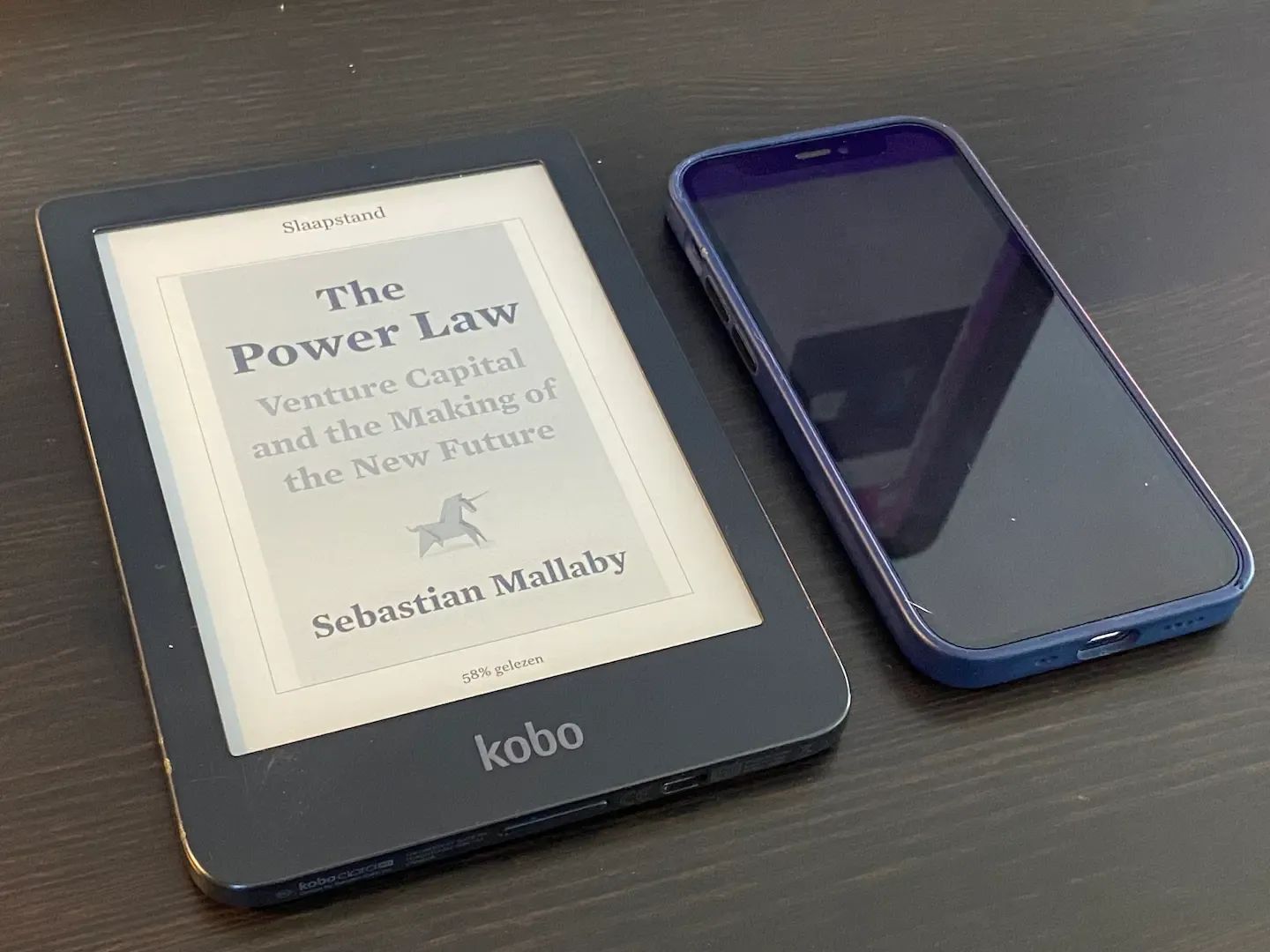
To make a quote from an e-reader like Kobo to another medium was always a pain. How do you get from reading something to making a reference on some social media like Twitter?
Pain
What I used to do was go to my computer instead, searched for the book, open it and find the text I was looking for. Once found the text I would do a copy and paste. In practice it did not happen and I even rather typed it over.
Mobile workflow
But with the new text feature (Live Text) on the iPhone I found a much quicker and easy to use workflow. It is even a bit magical. Like pointing at the thing you want to copy. You read a nice line and want to share it:
- Point the iPhone camera on the e-reader page.
- Select the text you want.
- Use the Live Text select function.
- Go straight to share and pick the Twitter app.
Clean up, add text, add tags and GO.
The Tweet
Unicorn ♣️
— Rob Hoeijmakers (@RobertHoeijmak1) March 11, 2022