
Connecting My Kobo Directly to an iPhone 16 Pro
I connected my Kobo e‑reader to my iPhone 16 Pro with a USB‑C cable. It worked instantly. No adapter, no fuss but just a quiet moment of satisfaction.

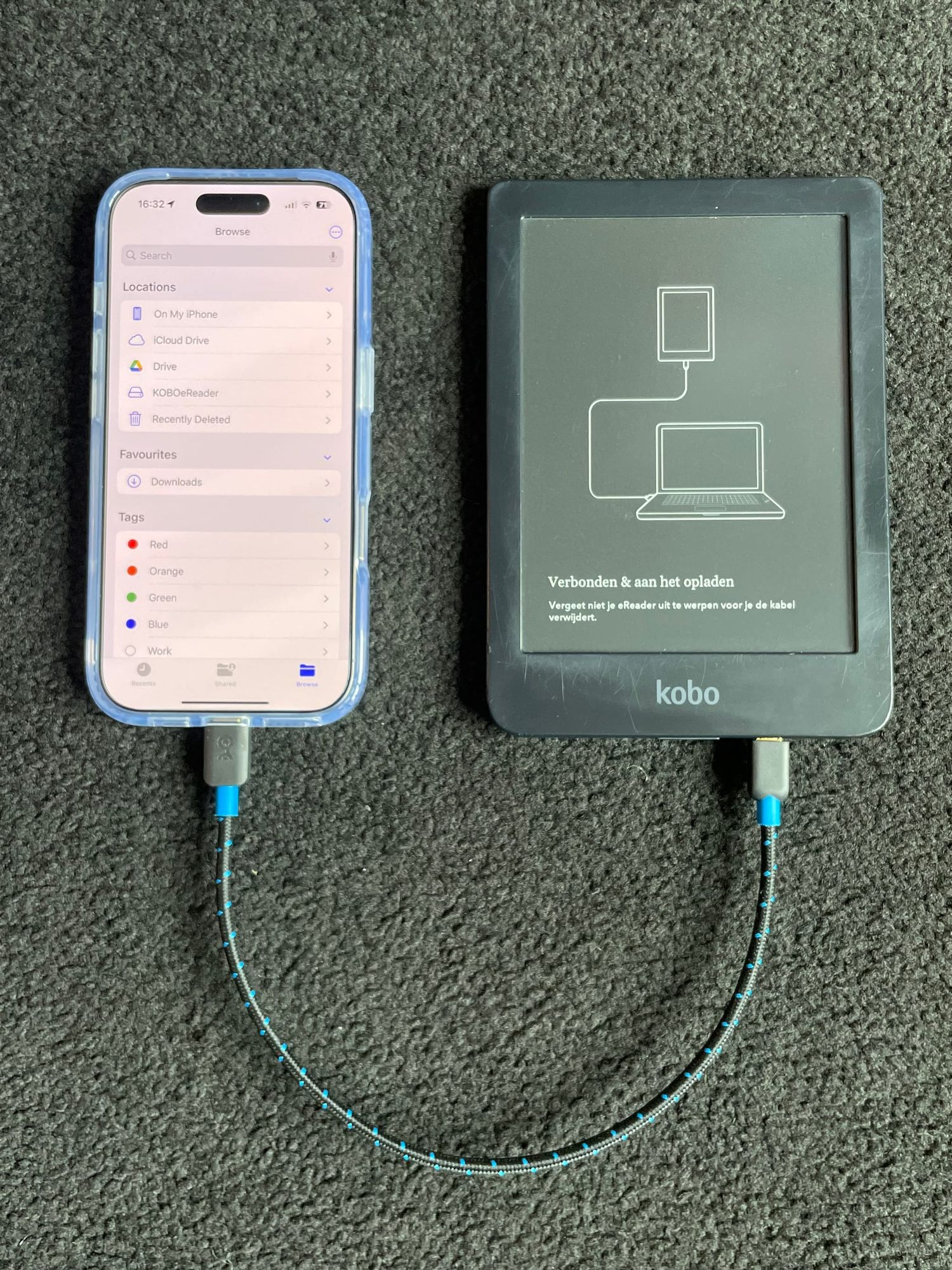
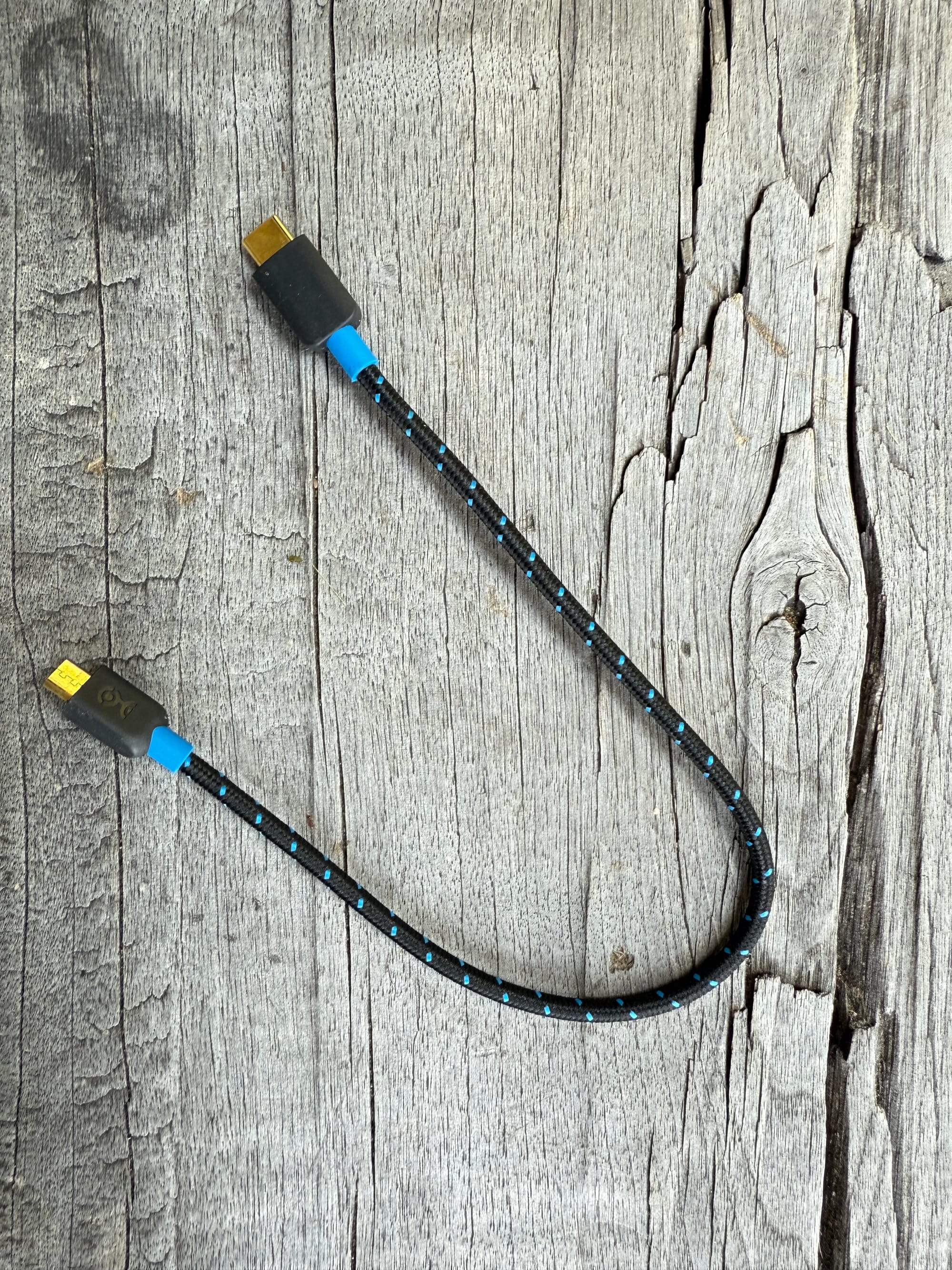
I recently discovered that I can plug my Kobo e-reader directly into my iPhone 16 Pro using a regular USB-C to USB-C cable, the same one I carry for charging.
Once connected, the Kobo mounts as a storage device inside the Files app. That means I can transfer PDFs or e-books directly, without using a computer or going through Wi-Fi.
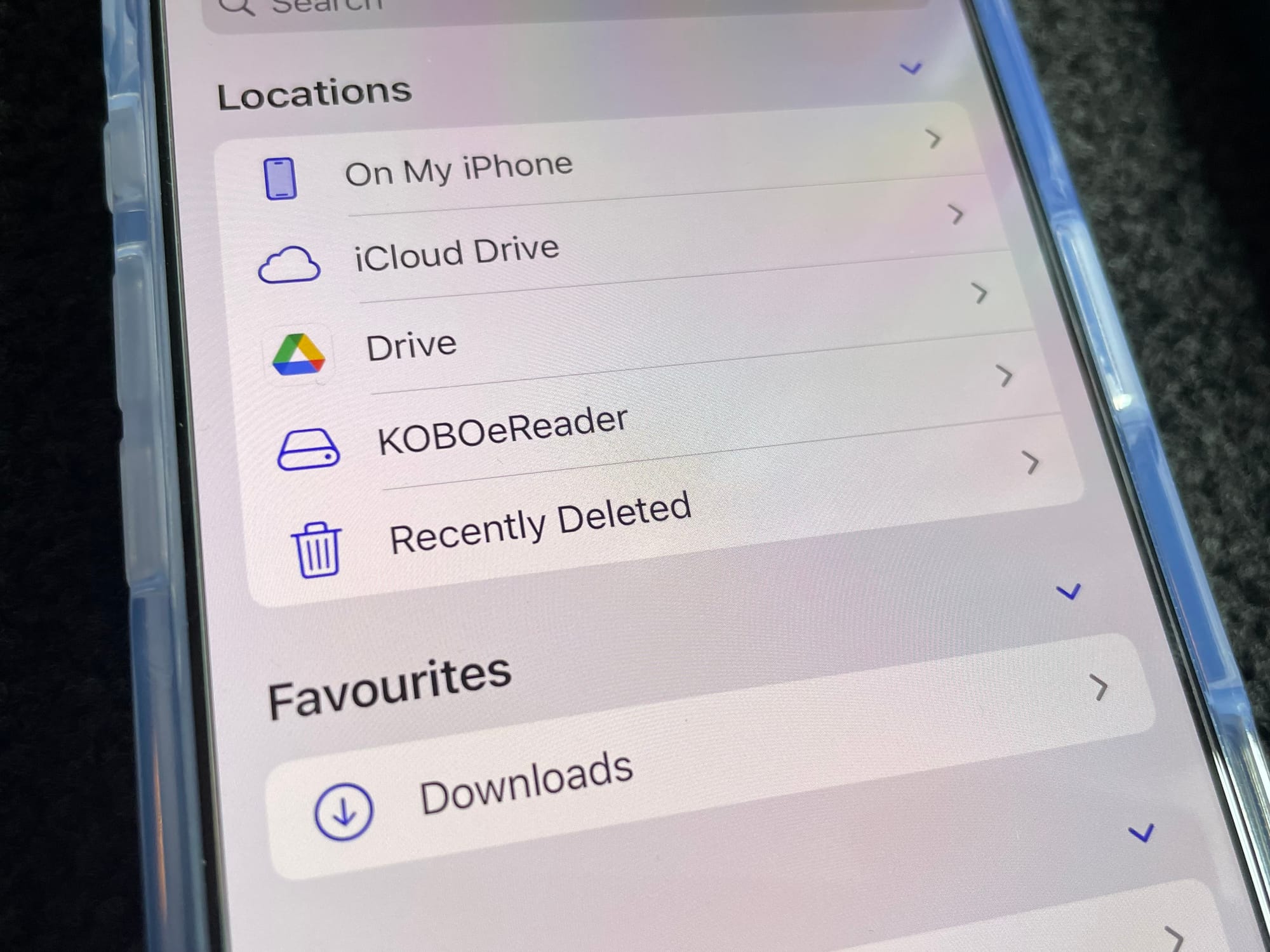
This wasn’t possible with earlier iPhones. In the past, I had to use Apple’s camera adapter and ensure the iPhone had enough charge, otherwise it would display a warning that the connected device required too much power.
The workaround worked, but it felt a bit precarious. Now, with the USB-C port on newer iPhones, it just works.
And that’s what I enjoy, when something turns out to be unexpectedly simple.
A Bit of Context on USB-C
It’s worth noting that USB-C refers to the shape of the connector, not to what it can do. Some USB-C cables can transfer data or video, others only charge. Some support Thunderbolt or USB 3.2; others are limited to USB 2.0 speeds.
So, not every USB-C cable is equal. What matters is the combination of what the port supports and what the cable is capable of. In this case, I just happened to use a cable that allows both charging and data transfer, and that made all the difference.
 Rob Hoeijmakers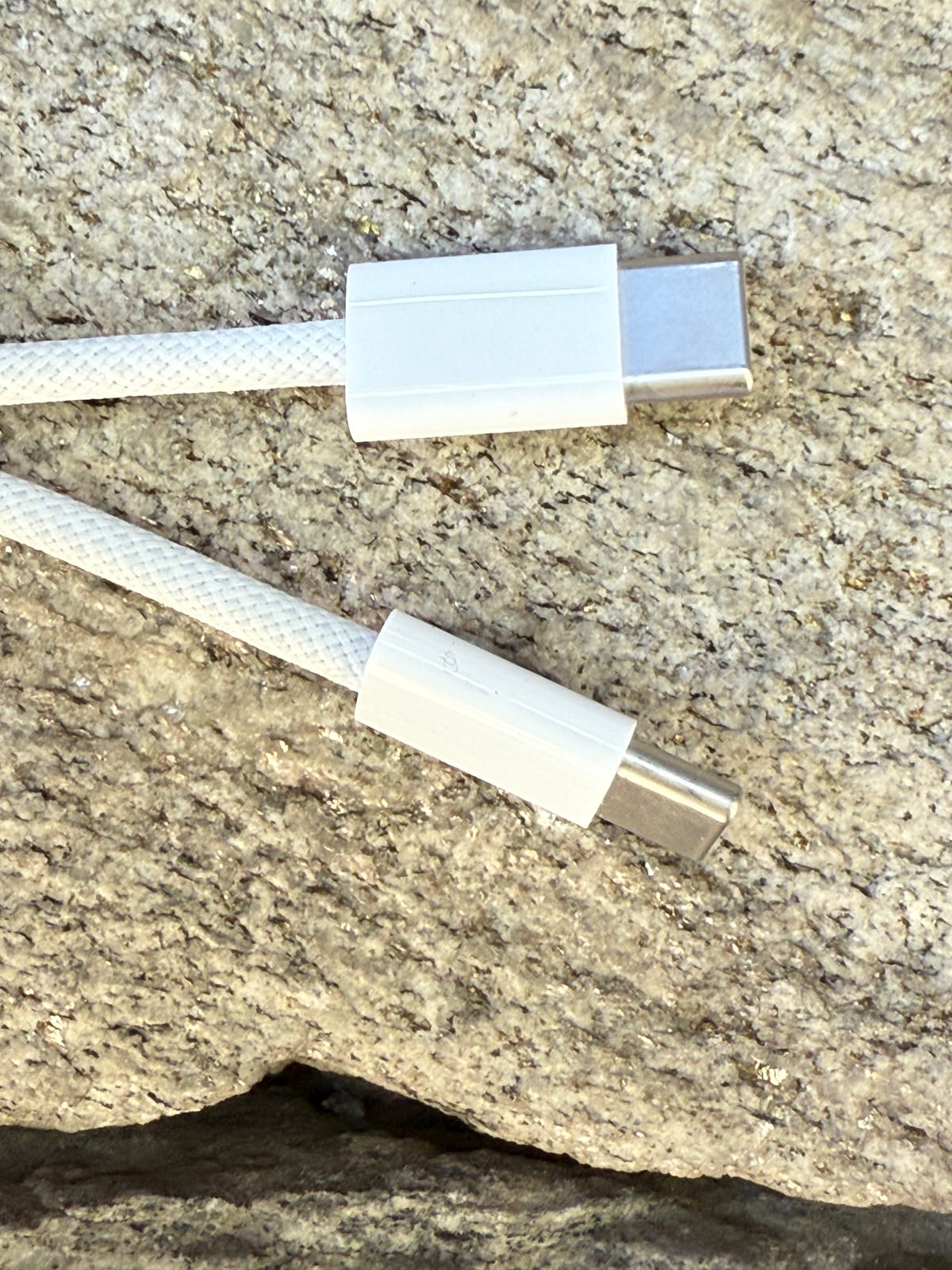
How I Use This Setup
When travelling, or when I don’t have my laptop, I often want to read long articles offline on my Kobo. Here’s how I do it:
- Open the article in Safari and clean it up (Reader View or a reading app helps).
- Use the print function, then save as PDF to the Files app.
- Connect the Kobo via USB-C.
- Drag the file over to the Kobo storage.
It’s straightforward and surprisingly robust.
No adapters, no cloud syncs, no Kobo software. Just file transfer, directly between two devices.