
ClipboardMarkdown
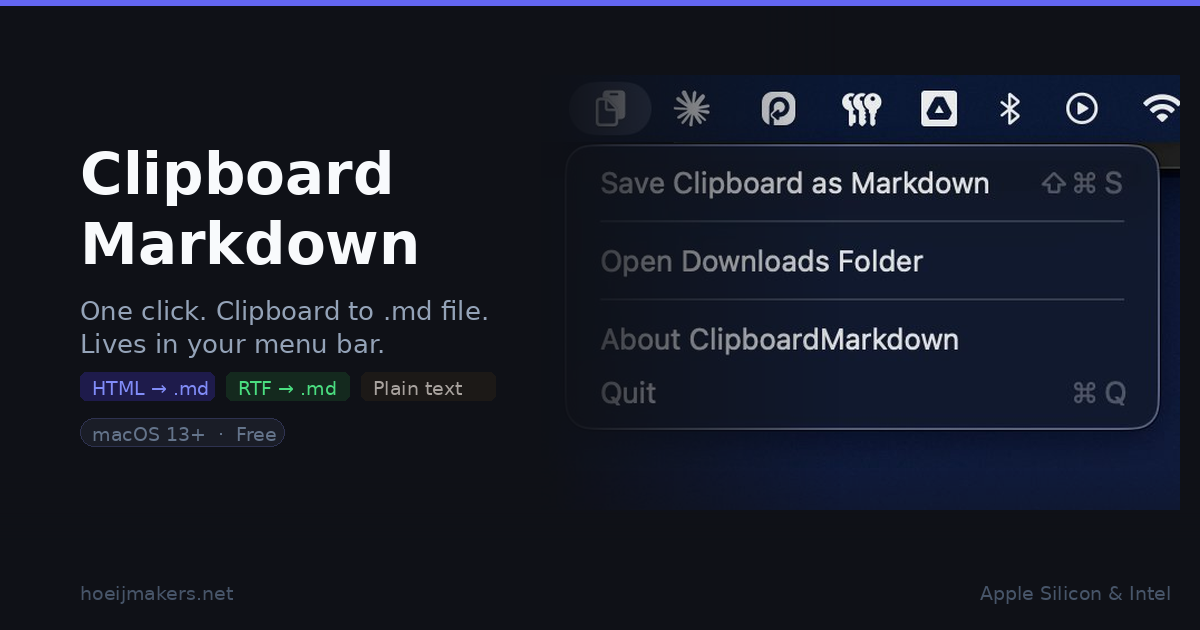
A small macOS utility that does one thing: it takes whatever text is on your clipboard and saves it as a .md file in your Downloads folder. No app to switch to, no paste-format-save cycle. One click from the menu bar.
I built it for my own workflow and several people asked if they could try it, so here it is.
What it does
ClipboardMarkdown sits in your menu bar as a clipboard icon. Click it, choose Save Clipboard as Markdown, and the file lands in ~/Downloads with a timestamp as the filename:
2026-04-04 15.42.10.md
It handles three source types, in order of preference:
- HTML with structure (headings, code, lists, links) from sources like GitHub, web articles, or Google Docs: converted to clean Markdown
- Rich text from Pages, Word, or similar: formatting preserved where meaningful
- Plain text: saved as-is
Sources without recognisable structure, like LinkedIn or plain prose in divs, fall back to plain text automatically.
A system notification confirms each save. Click it to open the file directly.
Requirements
- macOS 13 Ventura or newer
- Apple Silicon or Intel
Download
Download the zip, unzip, move ClipboardMarkdown.app to your Applications folder. Done.
First launch
ClipboardMarkdown is notarised by Apple, so macOS will open it without warnings. Move ClipboardMarkdown.app to your Applications folder, double-click, and you're done.
Want to inspect or build it yourself
The distributed binary is notarised by Apple and you can verify what it does by reading the source.
If you'd rather build from source than trust a downloaded binary, the repository has everything you need.
 rhoeijmakers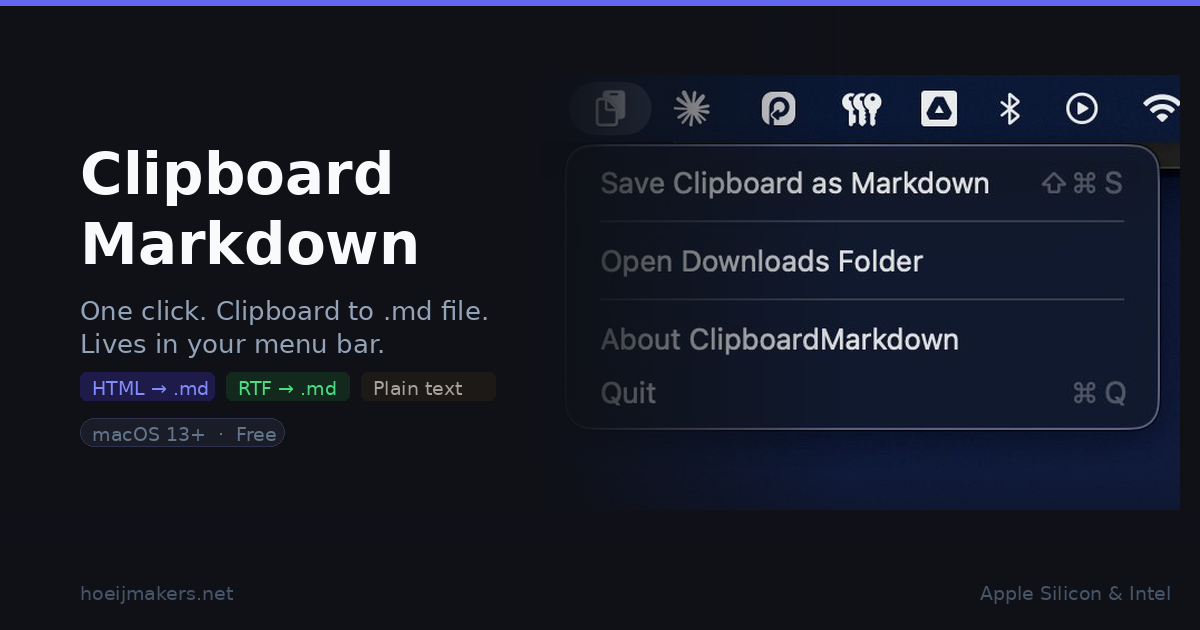
 Rob Hoeijmakers